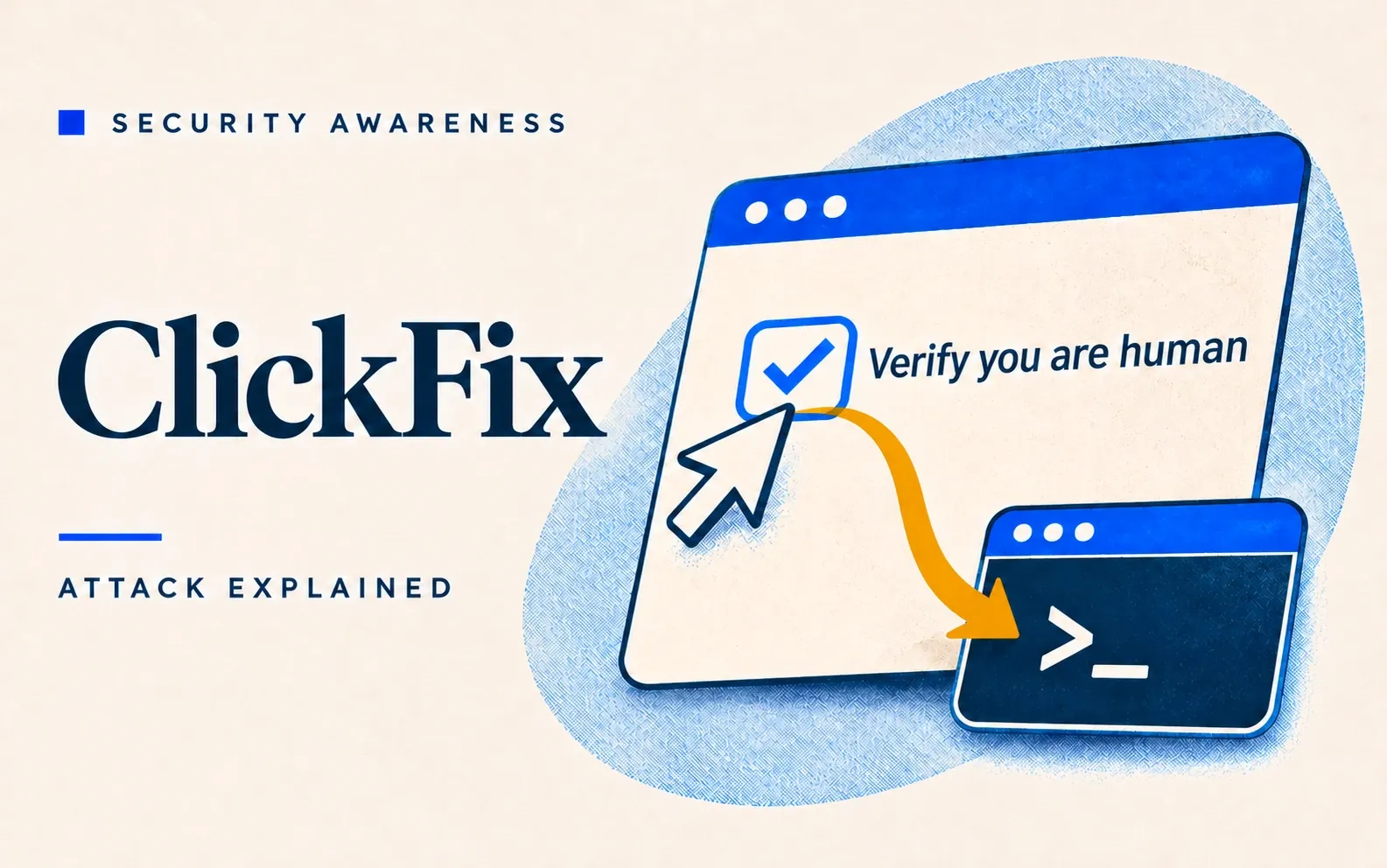
A ClickFix attack is a social engineering technique in which a fake CAPTCHA or error message tells the user to paste and run a command that the page has already copied to their clipboard, so the user installs the malware themselves. On Windows the steps are Windows+R, Ctrl+V, Enter; on a Mac they are open Terminal, paste, Return.
Proofpoint first documented the technique in March 2024, and in Microsoft’s 2025 Digital Defense Report ClickFix was the most common way attackers got in: 47% of Microsoft Defender Experts notifications, against 35% for phishing (The Register, quoting Microsoft). It belongs in awareness training because the browser downloads no file for filters to catch, and one rule covers nearly every variant: no legitimate website ever needs a visitor to run a command.
How a ClickFix attack works
Microsoft breaks the attack into five steps (Microsoft):
- Get the victim to a page: a phishing email with a link (sometimes inside an HTML or PDF attachment), a malicious ad, or a legitimate website the attacker has compromised, often a WordPress site (NCSC NZ).
- Show a believable obstacle: usually a copy of Google reCAPTCHA or Cloudflare’s “Verify you are human”.
- Load the clipboard: ticking the box silently copies a disguised command to the clipboard. Some pages detect a Mac and copy a Mac command.
- Give “verification steps”: Windows+R, Ctrl+V, Enter on Windows; open Terminal, paste, Return on a Mac (Microsoft). Variants ask for PowerShell, Windows Terminal or the File Explorer address bar.
- Run the payload: usually an infostealer (malware that grabs saved passwords, browser sessions and crypto wallets) such as Lumma on Windows or Atomic macOS Stealer (AMOS) on Macs, or a remote access tool that lets the attacker in.
Why it works
ClickFix leans on two habits: clicking through “prove you’re human” checks without thinking, and fixing small technical problems without calling IT. Attackers are betting, Microsoft says, that most people don’t know Windows+R opens the Run box, which runs whatever is typed into it. On a Mac, a command pasted into Terminal skips the checks a downloaded app goes through (Microsoft).
Email and web filters have little to catch, because the browser downloads no file for the user to open: the user’s own keystrokes fetch the malware. One campaign posing as the US Social Security Administration routed its links through a Google Ads redirect, which defeats “hover over the link before you click” (Microsoft).
And the lure sits inside something people already trust: a page styled as Booking.com, a local business’s own website, or an extension in the official Chrome Web Store that crashed the browser and then offered a “fix” (Huntress).
Tell-tale signs
- Any website that asks for Windows+R, a paste into Terminal or PowerShell, a paste into File Explorer, or anything run as administrator. A real CAPTCHA never asks for this, on Windows or on a Mac.
- On a Mac, a page that opens Script Editor with a script filled in (Jamf), or Terminal’s “Possible malware, Paste blocked” alert in macOS 26.4 and later (Apple).
- A “Verify you are human” check on a site that has never shown one before, or a full-screen overlay that appears a moment after the page loads (NCSC NZ).
- A “fix” for any problem (a browser crash, a missing driver, a camera that won’t start, a document that won’t open) that involves running a command.
ClickFix attack examples
Victims rarely say how attackers got in, so most of these cases come from government advisories and threat researchers, and most victims are unnamed.
Fake Booking.com messages to hotels (2024–2025, hospitality).
From December 2024, hotel staff in North America, Europe, Asia and Oceania got fake Booking.com emails about bad guest reviews and account verification. The link opened a fake CAPTCHA over a faded Booking.com page. Following the Windows+R steps installed the Lumma infostealer and the XWorm remote access tool, which the attackers used to steal logins and payment data for fraud. (Microsoft Threat Intelligence)
A fake CAPTCHA that led to Akira ransomware (2025, data storage technology).
An employee of a global data storage company visited a compromised car dealership website and clicked a fake “prove you’re human” check, which installed a remote access tool. Over 42 days the attackers took over administrator accounts, stole nearly 1 TB, deleted the cloud backups and encrypted servers in three networks. Two security products recorded the attack but raised very few alerts, so a quick report from the employee could have been the earliest warning. (Unit 42, archived)
Fake job interviews that “fix your camera” (2025, crypto and finance).
North Korea’s Lazarus group ran fake interview sites using the names of 14 real crypto companies, aimed at non-technical roles such as business development. Candidates recording a video saw the camera “fail”, and the “driver fix” installed the GolangGhost backdoor on Windows or Mac. (Sekoia)
Fake Mac clean-up guides (2026, any Mac user).
Since February 2026, fake troubleshooting posts on Medium and other sites have offered to free disk space or install a system utility. The Terminal command installed infostealers such as AMOS, which take Keychain passwords, iCloud data and crypto wallet keys. Jamf also found similar pages that open Script Editor instead. (Microsoft; Jamf)
Hijacked car dealership websites (2025, automotive retail).
In March 2025 attackers compromised a video script that LES Automotive supplies to dealerships. On more than 100 dealer sites, the tampered script sent some visitors to a fake “I’m not a robot” page that installed the SectopRAT remote access tool. (SecurityWeek)
Fake Mac help sites in Google ads (2025, Mac users searching for help).
In mid-2025, Google search ads led Mac users looking for help to fake support sites. The one-line Terminal “fix” installed Shamos, a version of AMOS that takes Keychain passwords, browser data and crypto wallets. (Help Net Security, quoting CrowdStrike)
Fake Microsoft security updates from state-backed hackers (2024–2025, think tanks, government, defence).
Between October 2024 and February 2025, state-backed groups from North Korea, Iran and Russia tried ClickFix against think tanks, government bodies and defence suppliers. Iran’s MuddyWater sent “Urgent Security Update Required” emails from a fake Microsoft address, telling staff to run PowerShell as administrator. (Proofpoint)
Interlock ransomware’s fake CAPTCHAs (2025, healthcare and critical infrastructure).
In July 2025, CISA, the FBI and the US health department (HHS) warned that the Interlock ransomware group, which targets healthcare and other critical infrastructure in North America and Europe, sometimes gets in through ClickFix fake CAPTCHAs. (CISA AA25-203A)
How to prevent ClickFix attacks
Personal habits to prevent ClickFix attacks
- Close any page that asks for a command to be run. No legitimate website ever needs a visitor to run one.
- Apply that rule even when the message looks official. A Booking.com email, a “Microsoft security update” or a browser extension from the Chrome Web Store can all carry the lure.
- Report a pasted command straight away. Security tools can record an attack without raising an alarm, so that report may be the first warning.
Security controls to prevent ClickFix attacks
- Turn off the Run box where staff have no use for it, and use application control so untrusted scripts cannot run (Microsoft; ACSC via iTnews).
- Keep Macs on macOS 26.4 or later, which warns before a suspicious paste into Terminal (Apple).
- Have endpoint monitoring flag Terminal sessions that start curl, base64, gunzip or osascript shortly after web browsing (Microsoft).