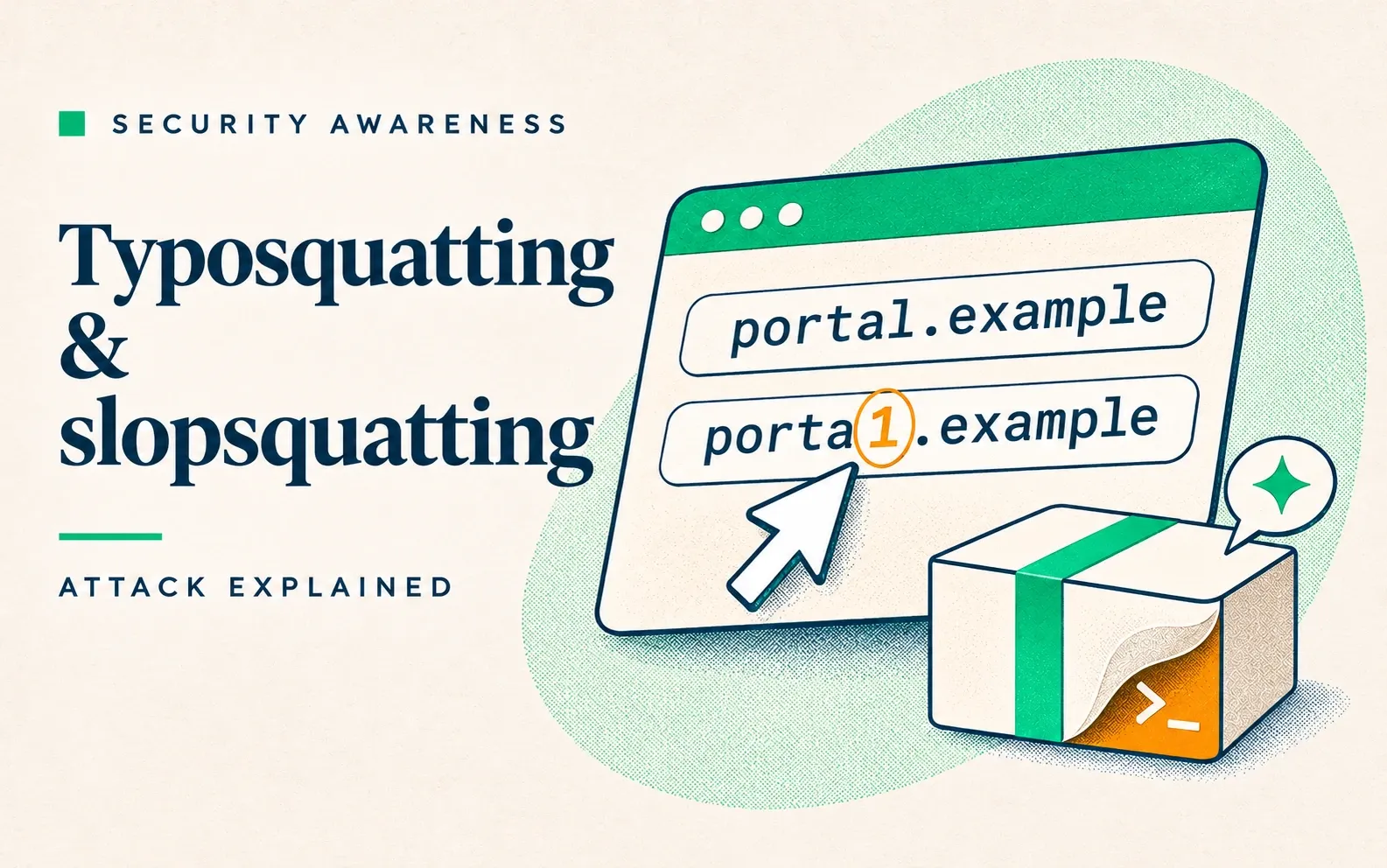
Typosquatting is an attack in which a criminal registers a name close to one people trust, such as a misspelled software package or website address, and puts malware or a phishing page behind it. Slopsquatting does the same with package names that AI coding assistants invent.
Phantom squatting is the same trick with website addresses AI chatbots invent. AI assistants invent names often, and they invent the same ones again. In a study of 576,000 code samples from 16 AI models, 19.7% of the packages the models recommended did not exist, and 43% of the made-up names came back in all ten re-runs of the same question (Spracklen et al., USENIX Security 2025).
How typosquatting and slopsquatting work
The victim installs or visits something by name, and the attacker registered that name first. The difference is where the wrong name comes from:
- Typosquatting: a human slip or a tutorial’s mistake, such as
bitensorforbittensoror7zip.comfor7-zip.org. - Slopsquatting: an AI coding assistant invents a plausible package. The attacker publishes malware under recurring names and waits for a developer or AI agent to run the install command.
- Phantom squatting: an AI chatbot invents an “official” login page for a brand. The attacker registers it, and as a brand-new domain it slips past URL filters.
Malicious packages steal passwords, tokens and crypto from developer machines on Windows, macOS and Linux.
Why it works
People read names by shape, so 7zip.com passes for 7-zip.org and a capital I for a lowercase l. The name arrives through a trusted source: a store ranking, a tutorial, an AI’s confident answer. The fake usually works as expected, so nothing feels wrong.
Tell-tale signs
- A domain or publisher one character off the vendor’s own, or with a different ending (.com instead of .org).
- A very new package or extension with few versions and a huge download count.
- An AI-suggested package that its supposed maintainer’s documentation never mentions.
- A login or download link copied from an AI chatbot’s answer.
- An “official” app offered as a direct download outside Google Play and the App Store.
Typosquatting and slopsquatting examples
No malicious slopsquatted package with confirmed victims is documented yet, so both slopsquatting entries are researcher registrations.
Fake 7-Zip download site (2026, home and office users, typosquatting).
A YouTube tutorial sent a PC builder to 7zip.com; the real site is 7-zip.org. The installer set up a working 7-Zip plus hidden services routing strangers’ traffic through the victim’s PC. Microsoft Defender flagged it about two weeks later. The only clue was one missing hyphen, and software that works proves nothing about where it came from. (Malwarebytes)
Fake Solidity extension (2025, crypto, typosquatting).
A blockchain developer searched the Cursor editor’s extension store for “solidity” (the Ethereum smart-contract language) and installed “Solidity Language”, ranked 4th to the real one’s 8th. It installed remote-access software, a backdoor and a password stealer, and the attackers took about $500,000. A high place in an extension store proves nothing: the fake ranked above the real one. (Kaspersky Securelist)
Fake OpenAI model on Hugging Face (2026, AI and data science, typosquatting on the publisher name).
An official-sounding account, Open-OSS, copied the model name and description page of OpenAI’s openai/privacy-filter. Its README told users to run a script that installed an infostealer. It reached #1 trending with about 244,000 downloads. Security firm HiddenLayer says those numbers were almost certainly inflated. Model hubs are software stores, and their popularity can be faked. (CSO Online)
AI-invented postal domains turned into phishing sites (2026, logistics and retail, phantom squatting).
Unit 42 listed domains that AI models kept inventing for a national postal marketplace. Twenty-three days later, an attacker registered one and put up a copy of the storefront that steals card details and national ID data. Another hosted a postal service clone pushing a malicious Android app. How victims reached the sites is not known. AI answers predicted the addresses before attackers registered them. (Unit 42)
huggingface-cli in Alibaba’s install instructions (2023–2024, AI research, slopsquatting, researcher-registered).
Bar Lanyado saw AI models recommending pip install huggingface-cli, which did not exist, and registered it as an empty package. It drew more than 15,000 downloads in three months, and by February 2024 Alibaba’s GraphTranslator README told users to install it. An AI-invented name can reach a large company’s install instructions. (The Register)
react-codeshift spread by AI agent instructions (2026, open-source development, slopsquatting, researcher-registered).
An AI-generated agent “skill” file said to run npx react-codeshift, a non-existent package, and copies spread it to 237 GitHub repositories. Charlie Eriksen of Aikido registered it as an empty placeholder in January 2026 and saw one to four downloads a day, which he attributes to AI agents. AI agents can run copied install commands with no one checking the name. (Aikido)
How to prevent typosquatting and slopsquatting
Personal habits to prevent typosquatting and slopsquatting
- Get software and login pages from the address the vendor publishes, typed or bookmarked, and apps from the official store. Check links from AI answers, ads or tutorials against the vendor’s site.
- Check the name and publisher of a package, extension or model letter by letter before installing it, along with its age, version history and project link.
- Treat a package an AI suggests as unverified until the maintainer’s own documentation or repository names it. For a Hugging Face tool, that means the Hugging Face docs. A third-party README can repeat an AI-invented name, as Alibaba’s GraphTranslator README did.
- Treat a machine that ran something suspicious as compromised: report it, and change every password, token and session used on it.
Security controls to prevent typosquatting and slopsquatting
- Require human approval or an allowlist for every install an AI agent makes, so agents never install packages or open links unattended.
- Run a company package mirror that blocks brand-new and unknown names, so a typo or invented name never reaches a developer’s machine.